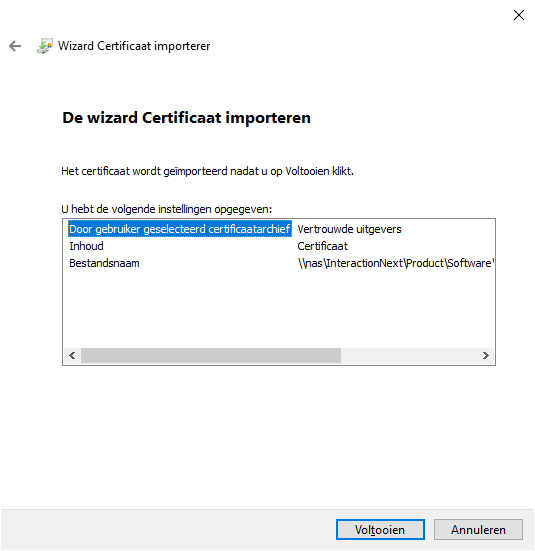
The certificate for the period 2025–2028 can be downloaded here.
User level
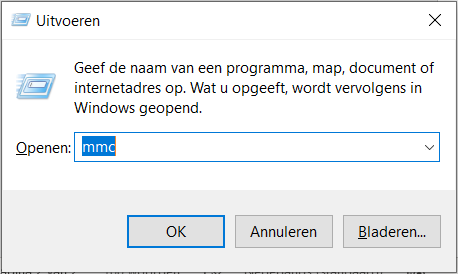
- Open the Microsoft Management Console. It can quickly be started via mmc.
- Select File → Add/Remove Snap-in (or use CTRL+M).
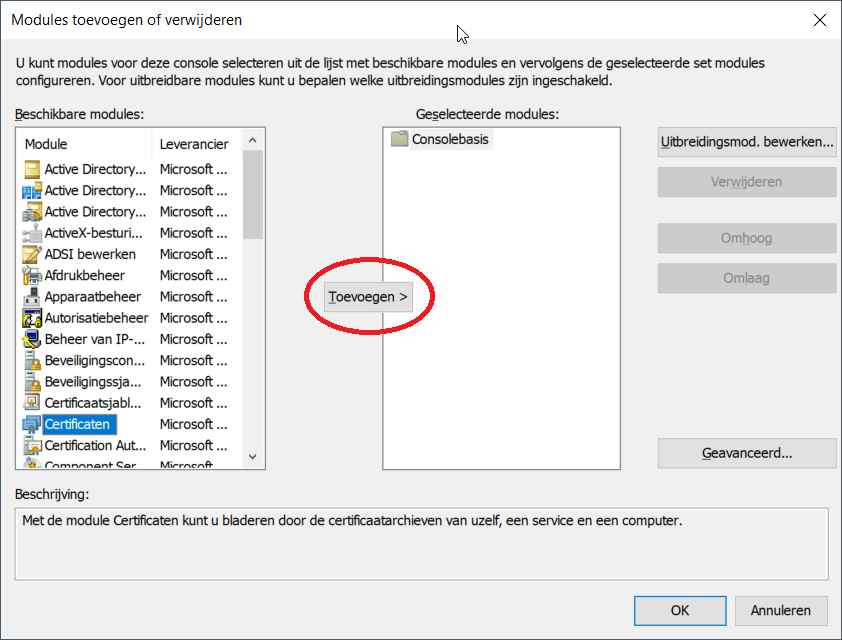
- Select Certificates and click Add.
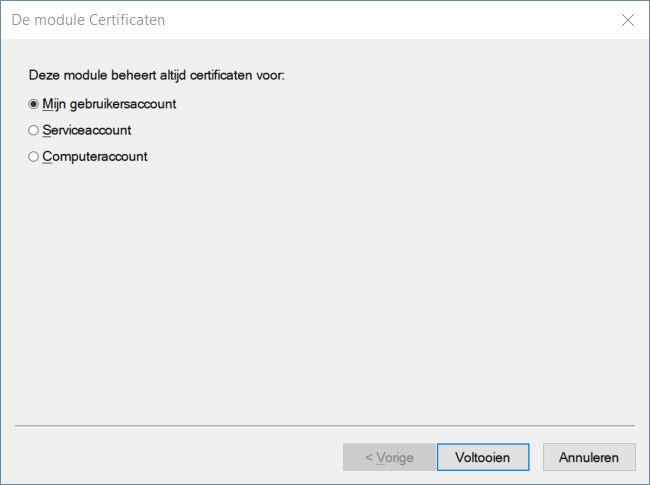
- Choose My user account and click Finish.
- Navigate to Trusted Publishers, right-click and choose All Tasks → Import.
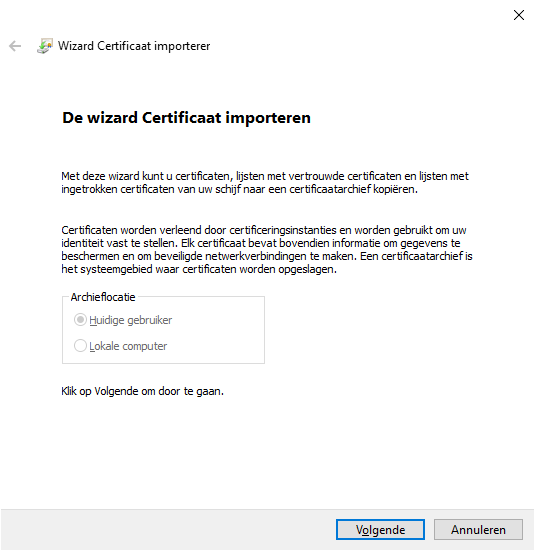
- Click Next in the wizard.
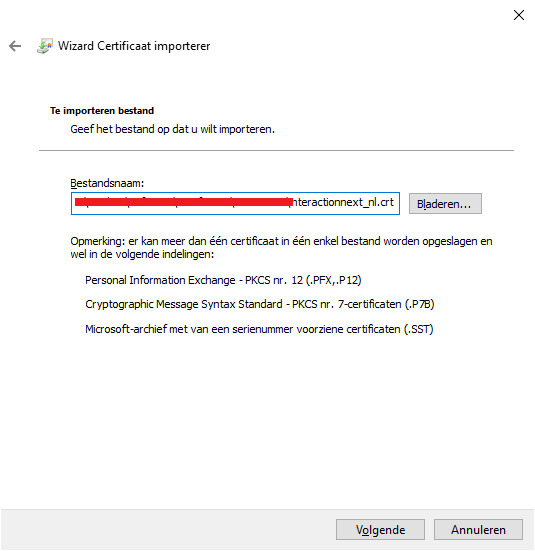
- Import the code signing certificate you received from xential.
- Once you receive the confirmation that the import was successful, you can close the console.